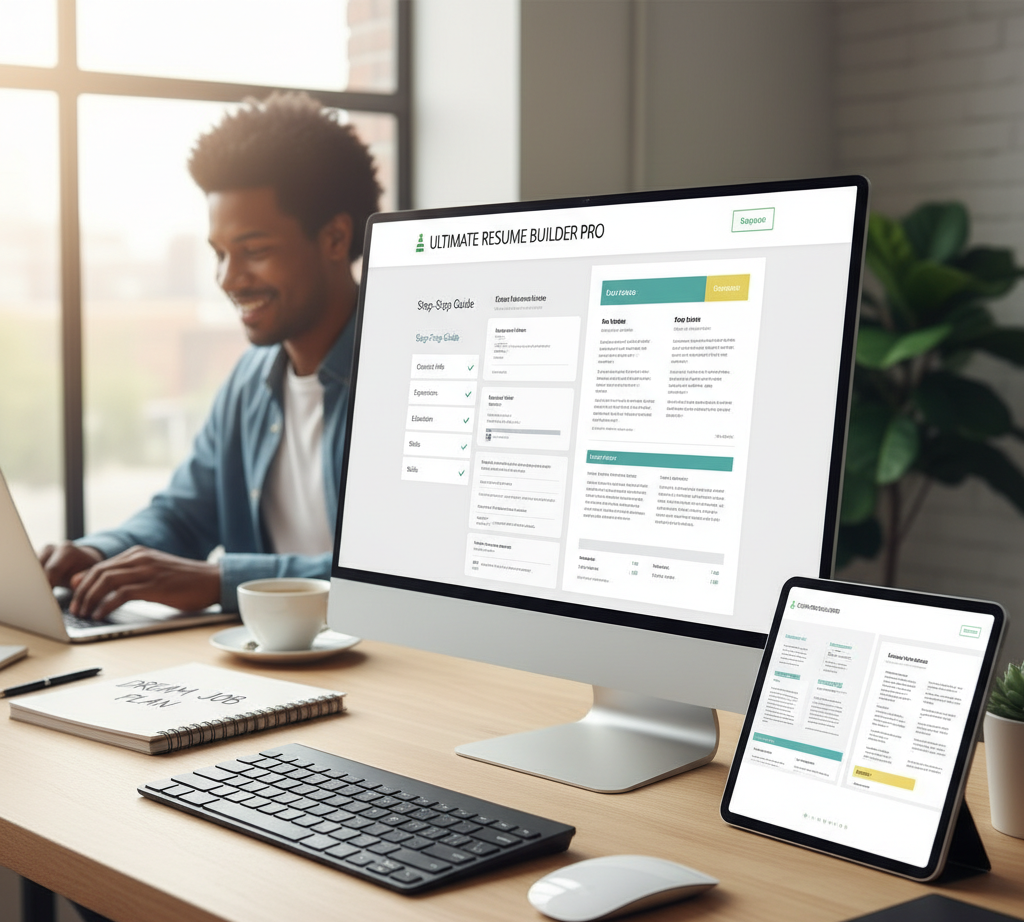
Staring at a blank document, trying to remember every single accomplishment from your last job, can be one of the most stressful parts of a job search. How do you format it? What should you include? How do you make it look professional without being a graphic designer?
The answer: a resume builder.
These powerful tools are designed to take the guesswork out of resume creation, helping you build a polished, professional document that gets noticed by recruiters. This ultimate guide will walk you through everything you need to know—from why you should use a builder to how to choose the right one, followed by our in-depth review of the 10 best and easiest tools available today.
Why Should You Use a Resume Builder?
Before we jump into the list, let’s cover why these tools are so essential for the modern job seeker.
- Professional Designs, Instantly: First impressions matter. Resume builders offer a library of templates created by design professionals. This ensures your resume is clean, modern, and easy to read, which is crucial for catching a recruiter’s eye.
- Save Hours of Time: Formatting a resume in a word processor can be a nightmare. Margins shift, bullet points get misaligned, and saving it as a PDF can break the layout. A builder handles all the formatting automatically, letting you focus on what really matters: the content.
- ATS-Friendly Templates: Most large companies use Applicant Tracking Systems (ATS) to scan resumes for keywords before a human ever sees them. Many resume builders design their templates to be easily parsed by this software, increasing your chances of getting past the digital gatekeeper.
- Guided, Step-by-Step Process: The best builders walk you through each section, often providing tips and even pre-written phrases to help you overcome writer’s block and describe your experience using powerful action verbs.
How to Choose the Right Resume Builder for YOU
Not every tool is right for every person. Before you pick one, ask yourself these questions:
- What is my industry? If you’re in a creative field like graphic design or marketing, a tool like Canva or Enhancv that allows for more visual flair is a great choice. If you’re in a more traditional industry like finance or law, a tool with clean, corporate templates like Zety or Resume.com is better.
- What is my budget? Are you looking for something completely free, or are you willing to pay a small subscription fee for premium features? This guide includes both, so you can choose what works for you.
- What features do I need? Do you want AI to help you write bullet points? Do you need to create a matching cover letter? Do you want a tool that is open-source and privacy-focused? Knowing what you want will help narrow the list.
The 10 Best & Easiest Resume Builders
Here is our detailed review of the top tools that make resume building simple and effective.
1. Canva
- Best for: Creative and visually stunning resumes.
- Why it’s great: Canva is a design powerhouse that makes it incredibly simple to create a resume that truly stands out. With a massive library of templates—ranging from minimalist and modern to bold and colorful—its drag-and-drop editor allows for complete customization. It’s perfect for showcasing your personal brand.
- Pricing: Free (with a huge library of templates and assets). A Pro version offers even more options.
2. Resume.com
- Best for: A simple, fast, and completely free experience.
- Why it’s great: If you want a professional resume without any fuss, hidden fees, or premium upsells, this is the tool for you. It guides you step-by-step through the process and provides templates that are clean, professional, and optimized for ATS scanners.
- Pricing: 100% Free.
3. Zety
- Best for: Expert guidance and recruiter-approved templates.
- Why it’s great: Zety’s resume builder feels like having a career expert by your side. It offers pre-written content suggestions based on your job title, a resume score to show you where to improve, and a collection of perfectly polished templates that recruiters love.
- Pricing: You can build for free, but downloading a PDF requires a subscription.
4. Reactive Resume
- Best for: The best open-source builder with a focus on privacy.
- Why it’s great: This tool offers a premium feel without the cost or the data collection. Your information is saved locally in your browser, not on a server. The interface is modern, clean, and incredibly easy to use, making it a fantastic choice for anyone who values privacy.
- Pricing: 100% Free and Open Source.
5. Kickresume
- Best for: AI-powered assistance and matching application documents.
- Why it’s great: Kickresume uses AI to help you write and refine your resume content, making your bullet points more impactful. You can also use it to create a matching cover letter and a personal portfolio website, ensuring your entire application package is consistent and professional.
- Pricing: Free plan available. Premium subscription unlocks more templates and AI features.
6. Enhancv
- Best for: Making your resume stand out in a competitive field.
- Why it’s great: Enhancv helps you create modern resumes that showcase your personality and tell a story. You can add unique sections like “My Passions,” “Key Accomplishments,” or “A Day in My Life” to create a more memorable and compelling document than a traditional resume.
- Pricing: Free plan with Enhancv branding. Premium plans offer more features.
7. Resume.io
- Best for: A reliable and polished resume-building experience.
- Why it’s great: Similar to Zety, Resume.io provides a smooth, guided process with field-tested professional templates and pre-written phrases to help you beat writer’s block. Its editor is simple to use, and the results are consistently excellent.
- Pricing: Free to build and create a draft. A subscription is needed to download.
8. Microsoft Word
- Best for: Traditional resume building with familiar software.
- Why it’s great: Don’t underestimate the power of the trusty standby. Word comes with dozens of built-in resume templates that you can easily edit. Since most people already have access to it, it’s one of the most accessible and reliable options available for creating a standard resume.
- Pricing: Included with a Microsoft 356 subscription.
9. Google Docs
- Best for: Free, collaborative, and cloud-based editing.
- Why it’s great: Like MS Word, Google Docs has a gallery of free, effective resume templates. It’s completely free, saves your work automatically to the cloud, and allows you to easily share your resume with mentors or friends for feedback before you apply.
- Pricing: 100% Free with a Google account.
10. FlowCV
- Best for: Customizing a clean, modern resume without watermarks.
- Why it’s great: FlowCV gives you an incredible amount of design freedom without being overwhelming. You can easily adjust columns, colors, fonts, and spacing to create a unique one-page resume. The free version is very generous and doesn’t add any branding to your final document.
- Pricing: Free, with an optional Pro subscription for more features.